
Seven Casino Registration for UK Players
Creating a Seven Casino account takes under two minutes. The sign-up process is fully adapted for United Kingdom players, with GBP currency support and compliance with UKGC requirements built in from the first step. Complete your registration today, claim your welcome package, and start playing immediately.
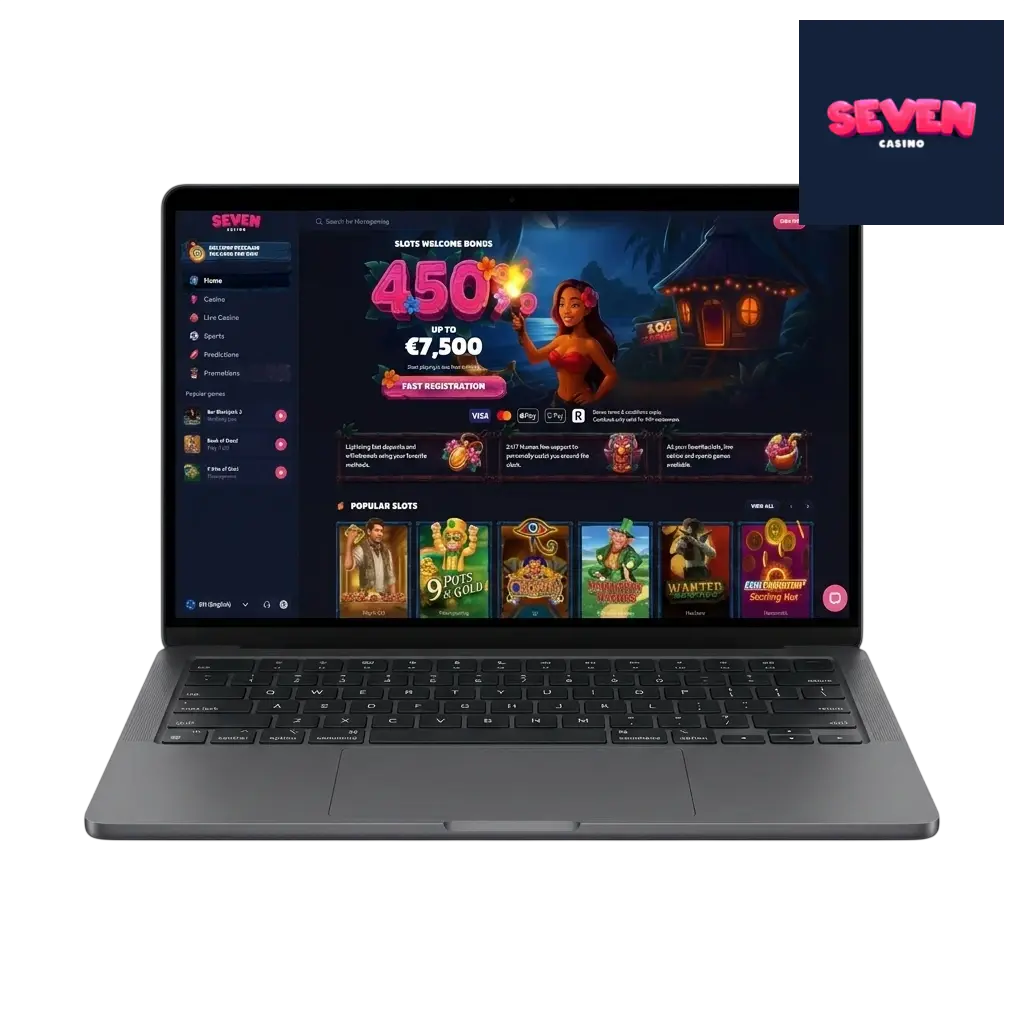
Ways to Register at Seven Casino for UK Players
Seven Casino offers multiple account creation methods to suit different preferences. Each path leads to the same verified account with full access to the casino, sportsbook, and bonuses. Choose the method that fits your routine best.
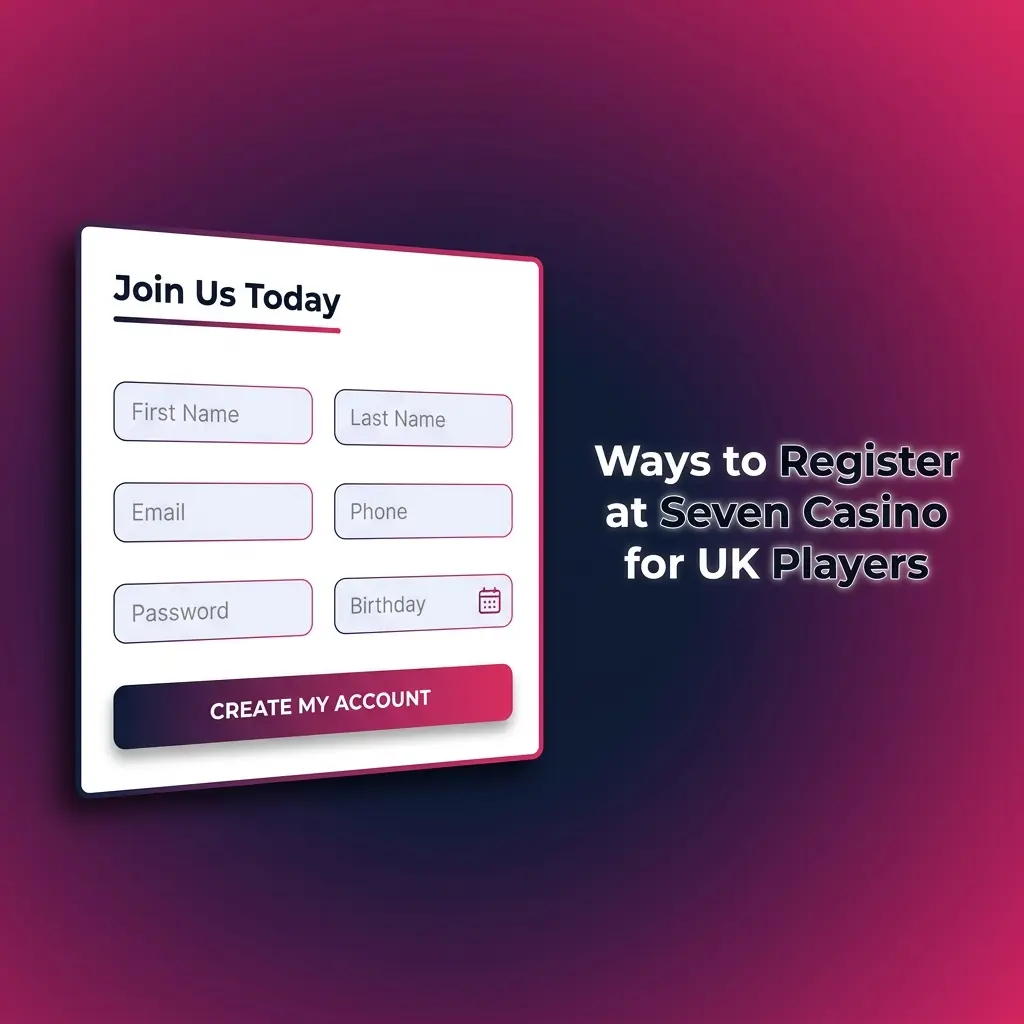
Standard Registration at Seven Casino
The classic sign-up method uses your email address. You fill in your personal details: full name, date of birth, residential address, and contact information. You then select GBP as your currency, set a secure password, and confirm you are 18 or older and a UK resident. This method takes a few extra minutes upfront but provides the strongest account protection, as every field is tied to your verified identity from the outset.
Express Sign-Up at Seven Casino
The quick registration option lets you create an account with minimal input. Enter your email address, set a password, and select GBP as your currency. Your remaining profile details can be completed before your first withdrawal. This path gets you into the casino lobby faster without sacrificing account security.
Registration via Social Media
Seven Casino supports account creation via linked social media profiles. The system retrieves the required public information automatically, so you do not need to type in your details manually. Available social platforms are displayed on the registration page. Confirm the permissions requested and your account is created instantly.
Registration via the Seven Casino Mobile App
Seven Casino is accessible as a Progressive Web App (PWA) on both Android and iOS devices. The mobile registration form is fully optimised for touchscreen navigation. Every field, button, and step available on desktop is present on mobile. Add the PWA to your home screen directly from your browser, then complete the sign-up process in the same way as on desktop.
Step-by-Step Guide to Creating a Seven Casino Account in the UK
Following each step in order keeps the registration process straightforward and helps you avoid delays during KYC verification later. Accurate information entered at sign-up means your account balance is protected and withdrawals are processed without complications. Take two minutes now to complete the process correctly.
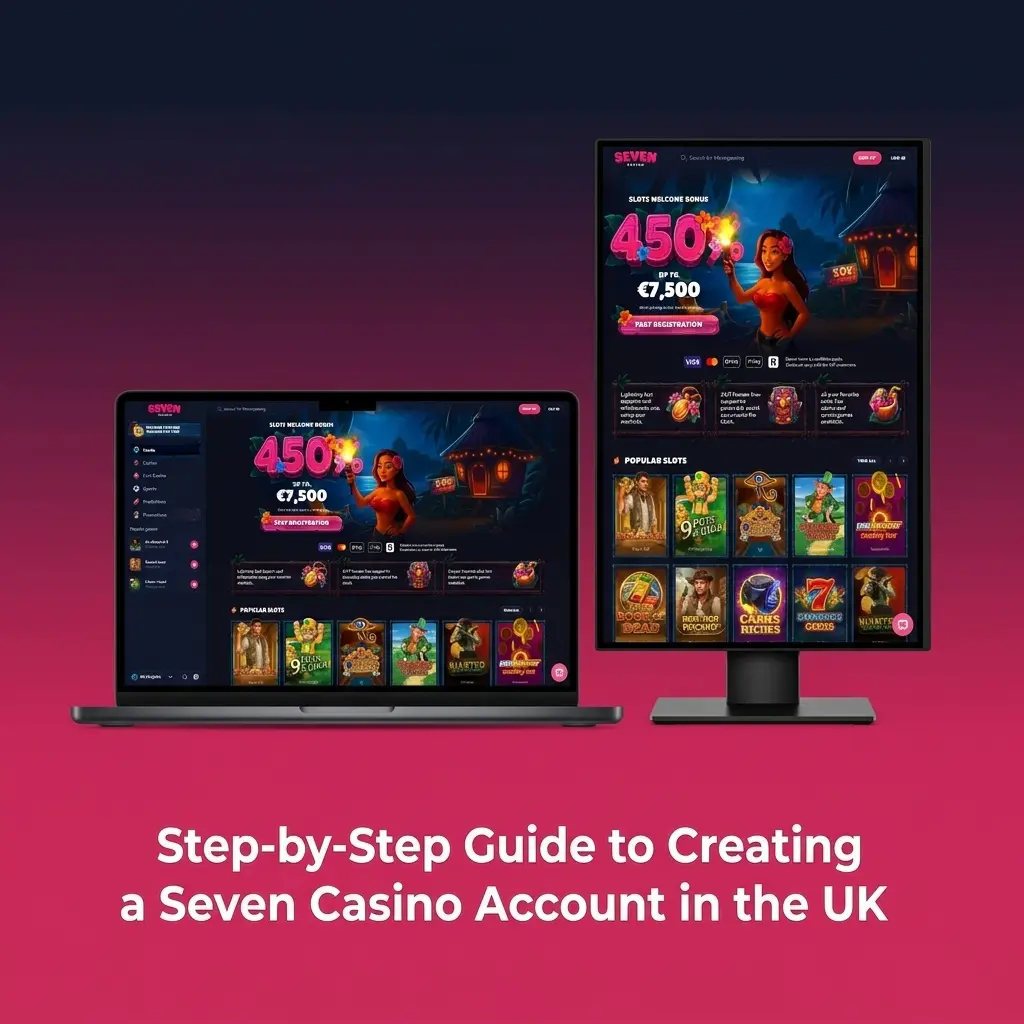
Sign Up in 5 Steps
Complete your Seven Casino registration by following these five steps:
- Click the “Register Now” button below. The registration form opens directly on this page.
- Enter your email address and set a password. Your password must include at least one uppercase letter, one number, and one special character.
- Select GBP as your account currency. Currency cannot be changed after registration is complete.
- Fill in your personal details. Provide your full legal name, date of birth, and UK residential address exactly as they appear on your ID documents.
- Confirm and submit. Tick the box confirming you are 18 or older and agree to the Terms and Conditions, then click “Create Account.”
Common Registration Mistakes and How to Avoid Them
The most frequent errors during sign-up cause verification delays or permanent account issues. A typo in your name or address creates a mismatch with your ID documents, which holds up withdrawal requests. Selecting USD instead of GBP cannot be corrected after registration. Attempting to open a second account violates the one-account rule and results in suspension of both accounts and forfeiture of any associated bonuses. Using a phone number or email address that belongs to another person will block verification entirely. Review every field carefully before clicking “Create Account.”
Account Verification at Seven Casino
KYC verification is required under UK Gambling Commission (UKGC) rules and Seven Casino’s operating licence. It confirms your identity, age, and UK address before withdrawals are approved. Submit a government-issued photo ID such as a passport or UK driving licence to verify your identity and age. Provide a utility bill, bank statement, or council tax letter dated within the last three months as proof of address. Upload clear, unedited scans or photos of your documents through the verification section in your account profile. The review is typically completed within 24 hours. Verified accounts face no withdrawal limits imposed by pending KYC status.
Bonuses Available After Registration
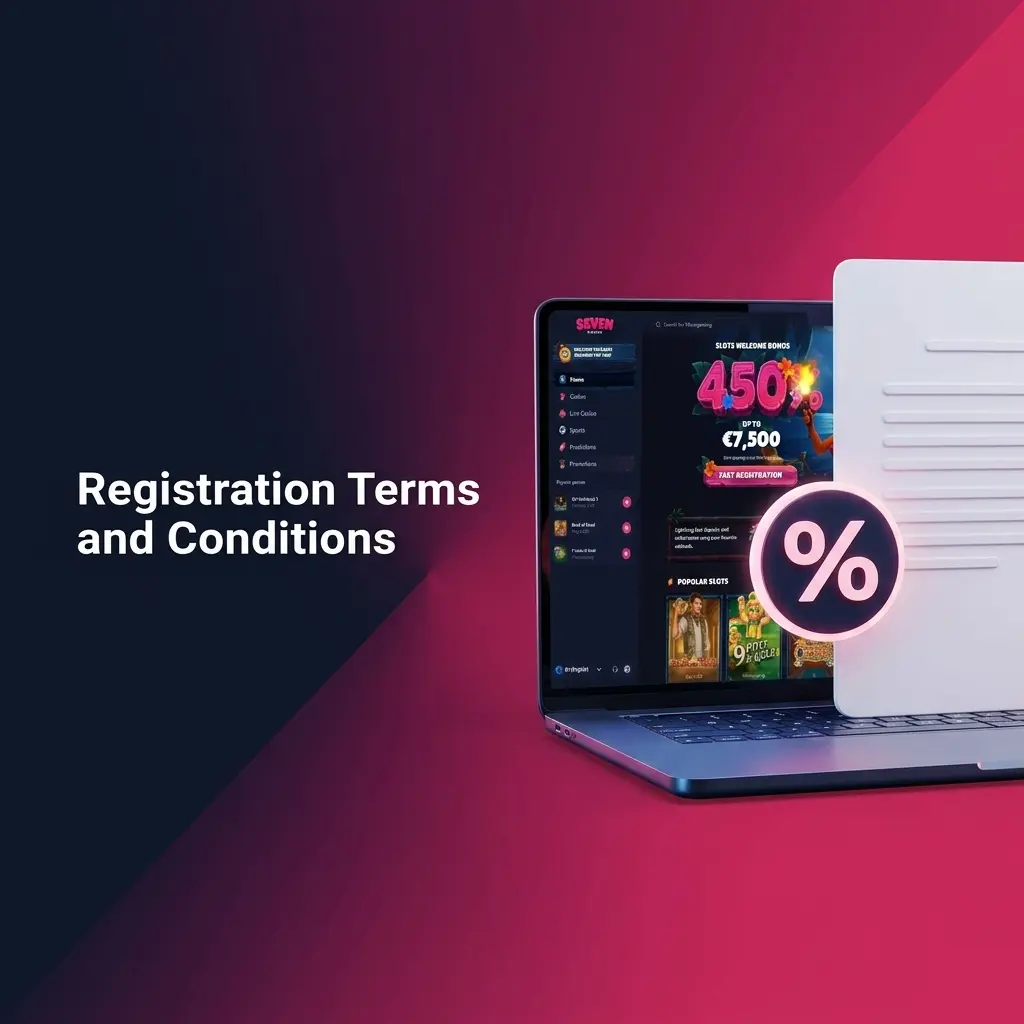
New UK players at Seven Casino receive a four-part welcome package totalling 450% up to 7,500 EUR across the first four deposits. The structure is as follows:
- 1st deposit: 200% bonus up to 250 EUR;
- 2nd deposit: 100% bonus up to 1,000 EUR;
- 3rd deposit: 50% bonus up to 1,250 EUR;
- 4th deposit: 100% bonus up to 5,000 EUR.
Each bonus is credited automatically upon qualifying deposit. Standard wagering requirements apply before bonus funds or winnings derived from them can be withdrawn. Full terms for each bonus stage are available in the Promotions section of your account.

How to Use a Promo Code When Registering at Seven Casino
A promo code field is available on the registration form. Enter your code in the designated box before submitting your details. A valid code can activate an exclusive bonus boost or additional free spins on top of the standard welcome package. Check the Promotions page for any active promo codes before completing your sign-up.
Requirements and Restrictions for UK Players
Seven Casino operates under a licence that covers UK players and complies with UKGC regulations. The minimum legal gambling age in the United Kingdom is 18. Players must be aged 18 or older to register, deposit, and wager for real money. Age verification is mandatory before any withdrawals are processed. Players located in restricted territories cannot open accounts regardless of their age or nationality.
Registration Terms and Conditions
Each player is permitted to hold one account only. Submitting false personal information, including an incorrect name, date of birth, or address, constitutes a breach of the user agreement. Using a payment method registered to another person will result in the account being flagged and suspended. Creating duplicate accounts is classified as multi-accounting and leads to permanent suspension of all associated accounts, with any outstanding balances and bonuses forfeited. All information submitted during registration is checked against your identity documents at the verification stage. Ensure every detail is accurate before completing the sign-up form.
Logging In to Your Seven Casino Account
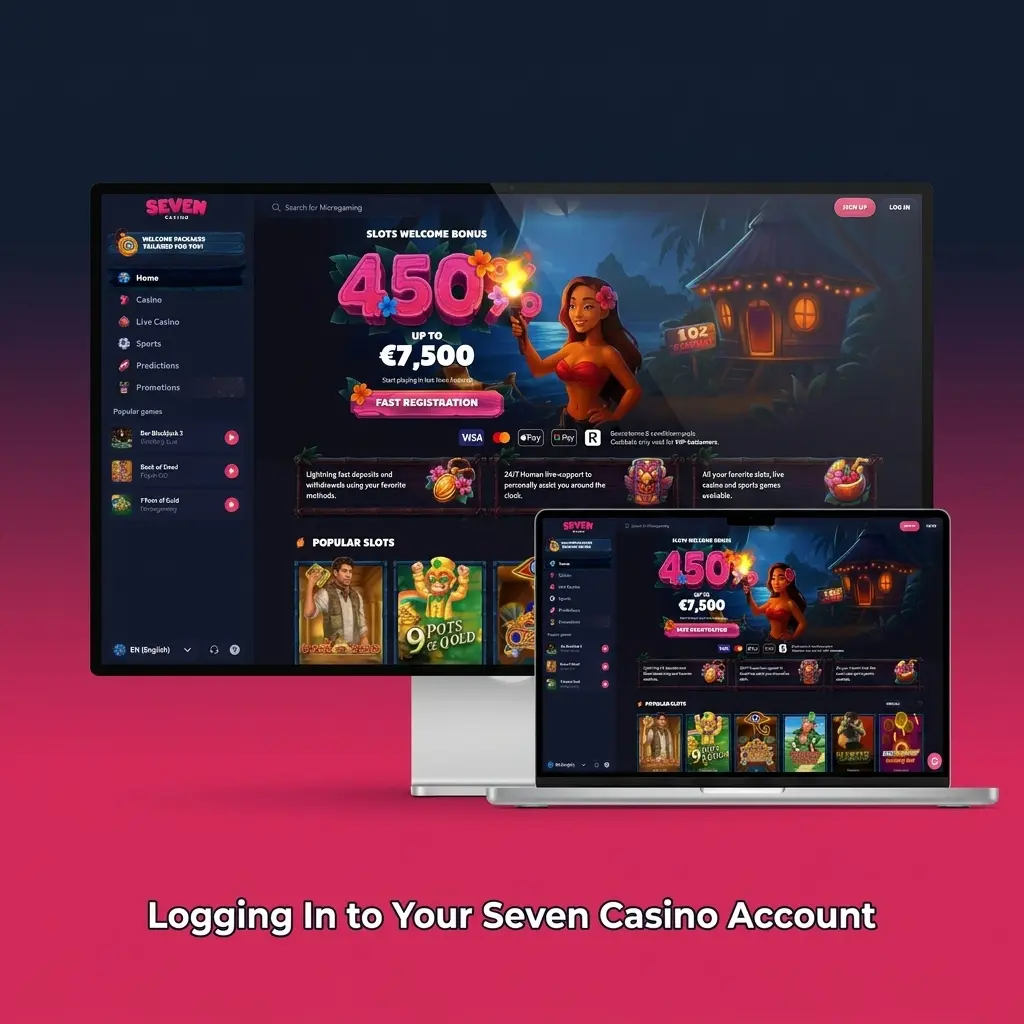
Accessing your account is straightforward once your registration is complete. The login form is available on every page of the site. Enter your registered email address and password to reach your personal dashboard, game lobby, and active bonuses immediately.
How to Log In to Your Account
Follow these steps to access your Seven Casino account:
Open the login form
Click the “Log In Now” button below to open the login page on this site.
Enter your credentials
Type your registered email address and your password into the corresponding fields.
Use Remember Me
Tick the “Remember Me” box to stay logged in on your personal device. Do not use this option on shared or public devices.
Confirm your login
Click the “Log In” button to access your account dashboard.
Access your account
Your balance, bonuses, and game history are displayed immediately after a successful login.
Forgot Your Password?
Account access can be restored in four steps if your password is lost. Contact support via live chat if these steps do not resolve the issue.
Click “Forgot Password?”
Click “Forgot Password?” on the login page of this site to open the account recovery form.
Select your recovery method
Choose between an SMS code sent to your registered phone number or a reset link sent to your registered email address.
Enter the confirmation code
Input the 6-digit code from the SMS or click the link in the recovery email to proceed.
Create a new password
Set a new password that includes at least one uppercase letter, one number, and one special character, then confirm it to restore access.
How to Close Your Seven Casino Account
Full account deletion is not processed upon request, as closed accounts cannot be reopened and the associated personal data record must be retained under UKGC data obligations. The available responsible gambling option is self-exclusion, which blocks access to your account for a defined period or permanently. To activate self-exclusion, contact the Seven Casino support team via live chat and state the type of restriction you need: a temporary cooling-off period or a permanent block. The support team processes self-exclusion requests promptly. Permanent self-exclusion can also be registered through the national GamStop scheme, which covers all UKGC-licensed operators simultaneously.
FAQ
Can I register at Seven Casino if I am based in the UK?
Yes. Seven Casino accepts players from the United Kingdom. The platform supports GBP as an account currency and complies with UKGC requirements, including mandatory age verification.
How long does KYC verification take after sign-up?
Document review is typically completed within 24 hours of submission. Uploading clear, unedited copies of a valid photo ID and a proof of address dated within the last three months speeds up the process.
Can I change my account currency from USD to GBP after registration?
No. Currency selection is permanent once registration is submitted. Select GBP during sign-up to ensure your deposits, withdrawals, and bonus amounts are processed in the correct currency.
How are the four welcome bonus deposits triggered?
Each of the four welcome bonuses is credited automatically when you make a qualifying deposit. The bonuses are 200% up to 250 EUR on the first deposit, 100% up to 1,000 EUR on the second, 50% up to 1,250 EUR on the third, and 100% up to 5,000 EUR on the fourth.
What should I do if my login credentials are not accepted?
First, confirm you are using the email address registered to your account. Use the “Forgot Password?” recovery option on the login page to reset your password via SMS or email. If access is still not restored, contact the support team via live chat for immediate assistance.
Updated: